What “digital” should mean in a hospital
Plenty of hospitals have a computer at every counter and are no more digital than they were with registers. The test is not the screens; it is three questions. Is information entered once? Do departments hand work to each other inside the system, or by chit and phone? Can management see today's position today?
Digital hospital software is the system that lets a hospital answer yes to all three. In TechMediz that rests on one patient record under one UHID, which every department reads from and writes to.
A digital hospital, department by department
Front desk
Registration once, a UHID for life, and patient search by UHID, mobile number or name.
Consulting room
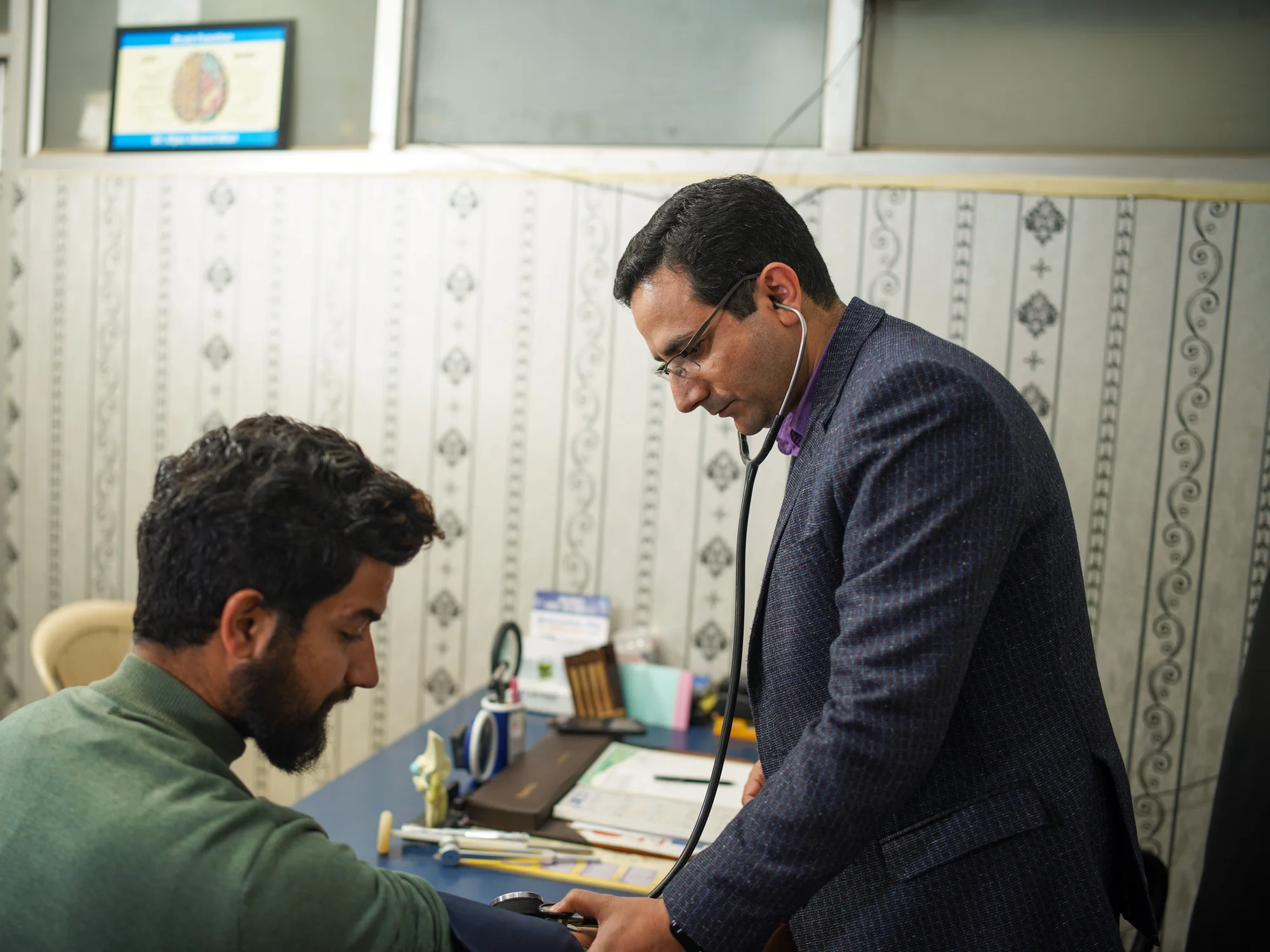
Prescriptions written into the record and sent to the pharmacy; lab and scan requests raised from the room; earlier visits one click away.
Wards
Ward and room availability, ward requests to the pharmacy, sample collection and discharge summary preparation at the nurse station.
Theatre
Theatre availability and occupancy, surgeon and anaesthetist mapping, OT notes and barcode-based billing.
Diagnostics
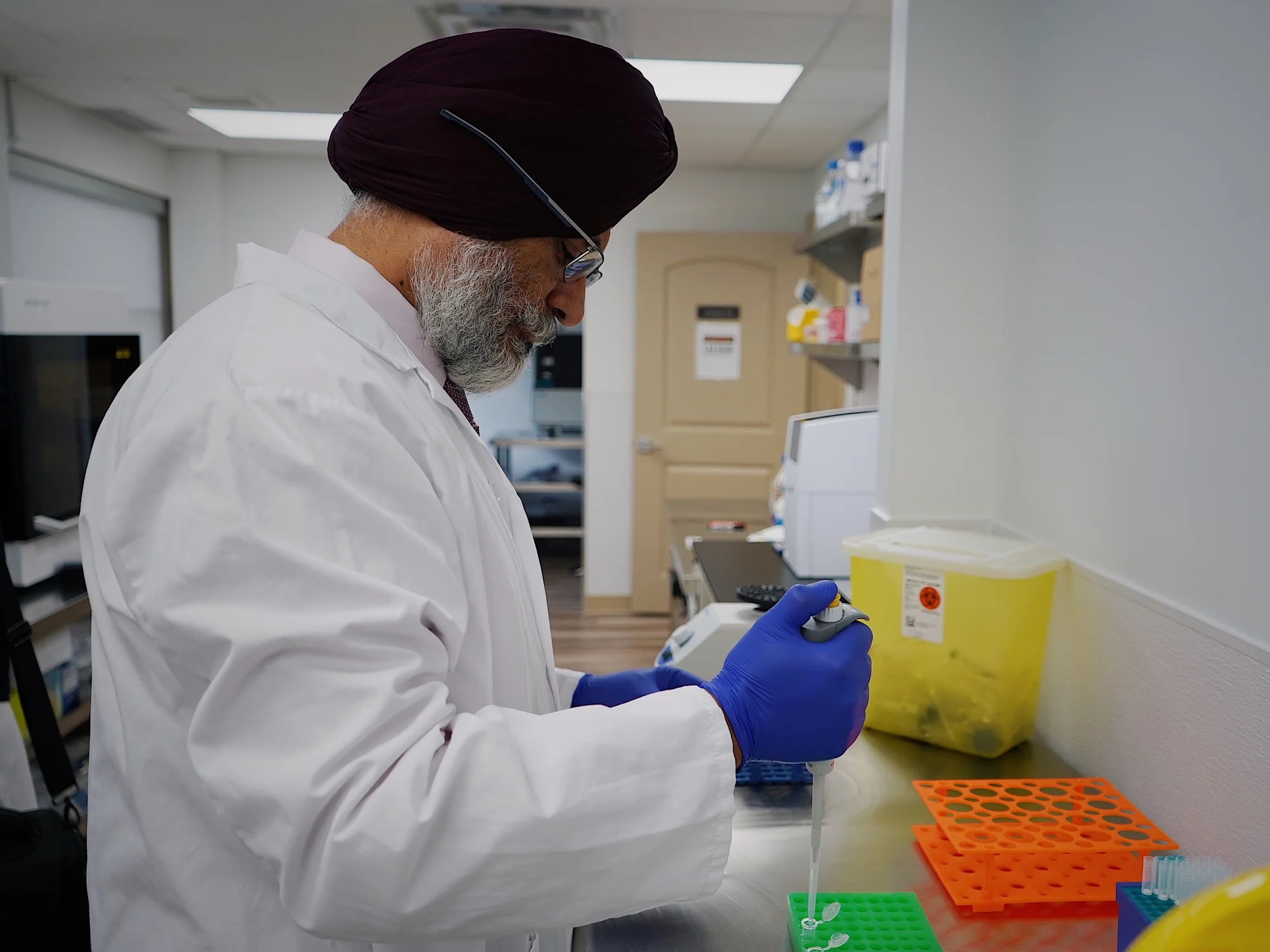
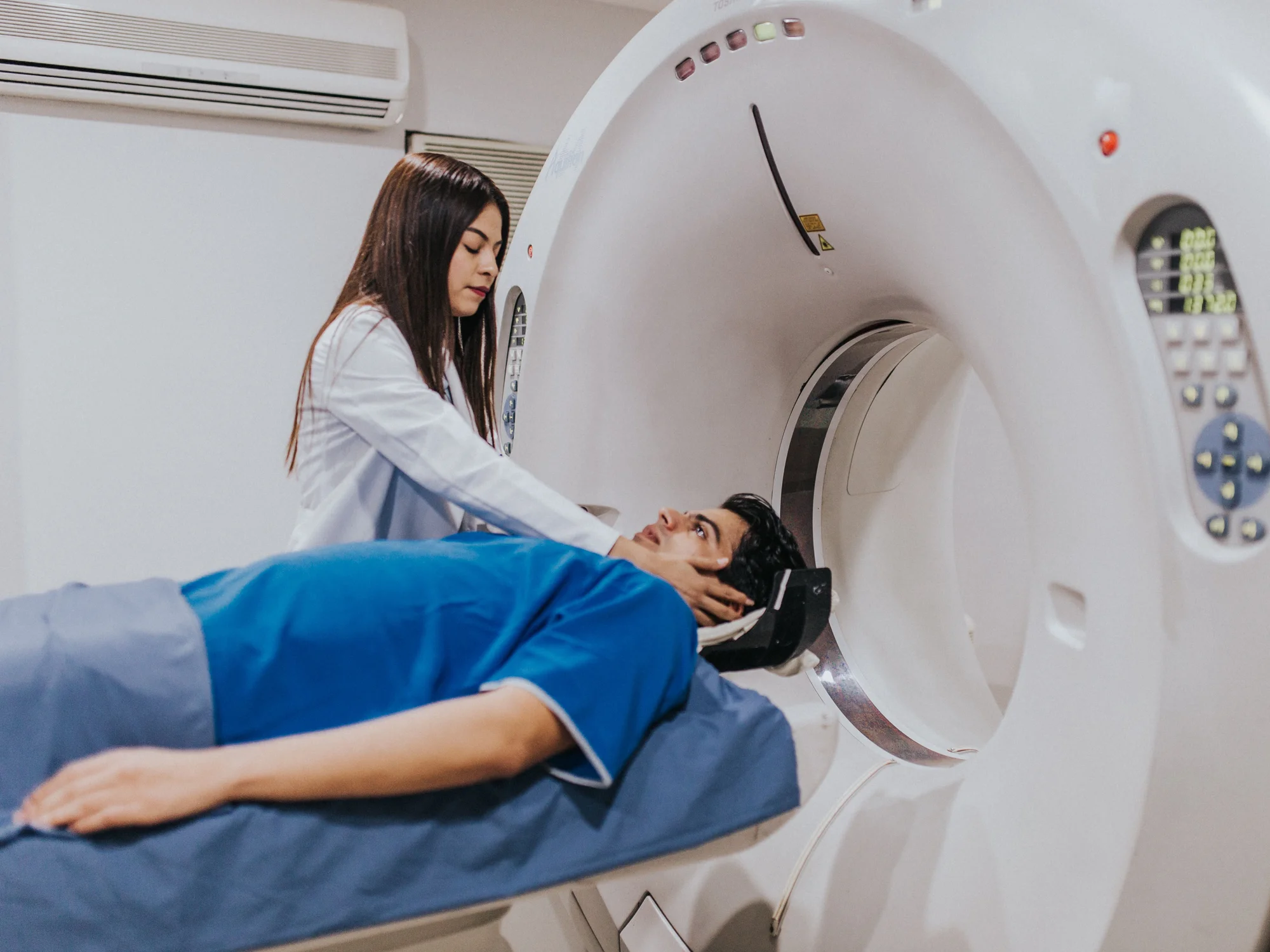
Laboratory results against the sample and radiology reports from templates or external scan software, both released straight to the patient's record.
Pharmacy, stores and accounts
Stock across every store, expiry handled in the process, and the day's collection visible as it accumulates.
Connected to the machines
A hospital is not digital if its analysers and scanners are islands. TechMediz supports LIS integration with laboratory analysers, PACS integration for imaging, and integration with EHR, pharmacy and billing systems — and where a scan machine will not connect to anything, its report can still be uploaded as a PDF to the patient's record. What each option involves is on the hospital software integration page.
Reports and analytics from the same data
Because every department writes to the same record, reporting is a view of the hospital rather than a compilation of it. The MIS reports and dashboards cover a patient dashboard, financial reports, OPD and IPD reports, pharmacy, laboratory and radiology, corporate and insurance, doctor performance, assets and maintenance, and admin and audit — with custom reports for anything the standard set does not cover.
Where it runs, and who can see it
TechMediz runs in the cloud or on a server inside the hospital, with role-based access either way. The choice is mostly about connectivity and who will maintain the server, and it is set out on the cloud and local server page. Going digital does not mean going paperless overnight; what changes first, and what stays on paper, is on the paperless hospital solution page.